How to Set Up IPTV for Roku in 2026: The Ultimate Guide
Wondering how to access thousands of live TV channels, movies, and on-demand content through your Roku device? In 2026, setting up iptv for roku 2026 has become more streamlined than ever before. With the right approach and tools, you can transform your Roku into a powerful streaming hub that delivers content from around the world. The best iptv service for roku 2026 options provide exceptional channel selection, reliability, and picture quality that rivals traditional cable subscriptions at a fraction of the cost.
Devices & Requirements
To successfully set up and enjoy IPTV on your Roku device, you’ll need the following:
1. Roku Device: Any current Roku model (Roku Streaming Stick, Roku Ultra, Roku Express, or Roku TV)
2. Stable Internet Connection: Minimum 10 Mbps for SD content, 25+ Mbps recommended for HD/4K streaming
3. IPTV Subscription: A valid subscription from a reputable provider
4. Smartphone or Computer: For initial setup and configuration
5. Roku Account: Active and logged in
6. Screen Mirroring Apps: AirScreen, Screen Mirroring for Roku, or similar applications
7. M3U Playlist: Provided by your IPTV service
8. Optional: VPN service for accessing geo-restricted content
Each Roku model offers slightly different capabilities, with newer models providing better performance for high-definition IPTV streaming. The Roku Ultra is particularly well-suited for intensive streaming due to its powerful processor and Ethernet port option.
Setup Time & Preparation
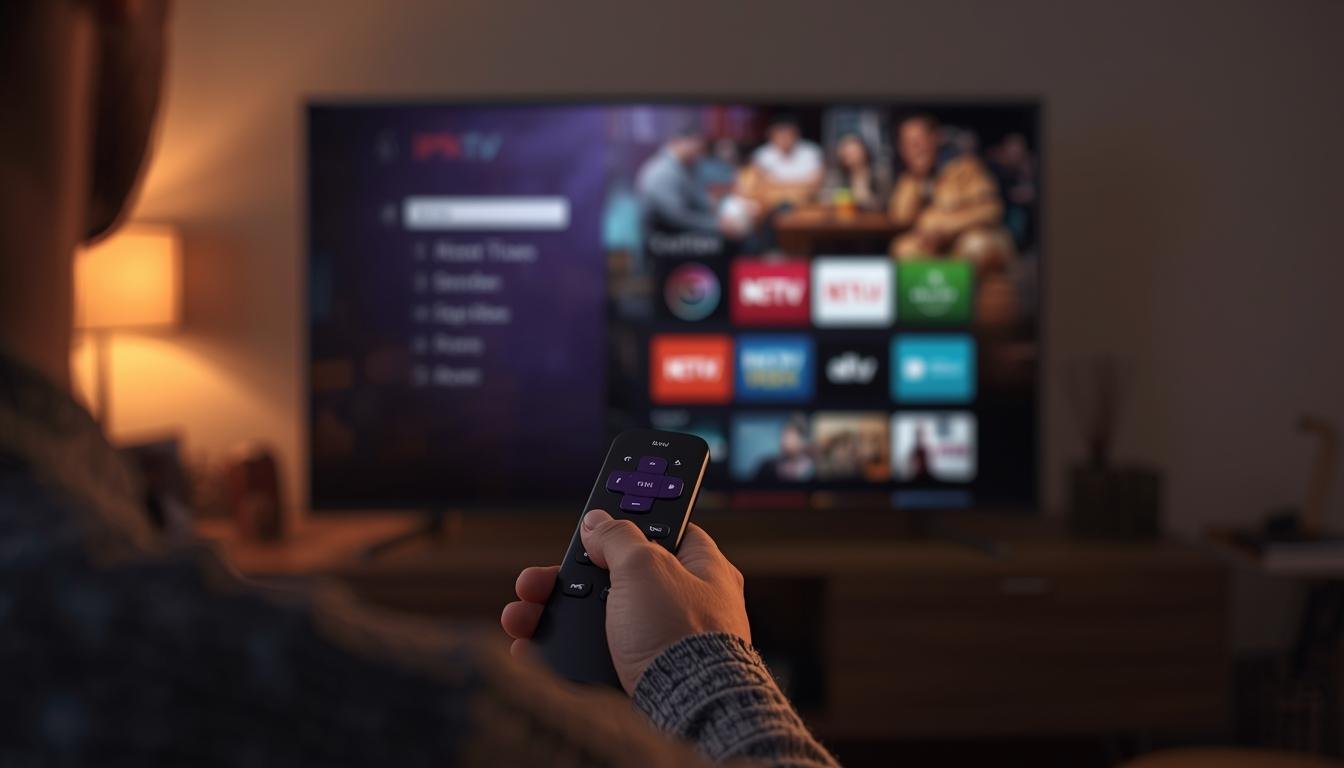
Before beginning the installation process, allocate approximately 30-45 minutes for complete setup. This includes account creation, app installation, and configuration time. Preparation is key to a smooth experience.
First, ensure your Roku device is properly connected to your TV and powered on. Verify your internet connection is stable and has sufficient bandwidth. Have your IPTV subscription details readily available, including any login credentials, M3U playlist URLs, or activation codes provided by your service.
If you’re setting up a new Roku device, complete the initial configuration process first, including connecting to your home Wi-Fi network and signing into your Roku account. For established devices, ensure your system is updated to the latest Roku OS version to avoid compatibility issues.
Step-by-Step Instructions
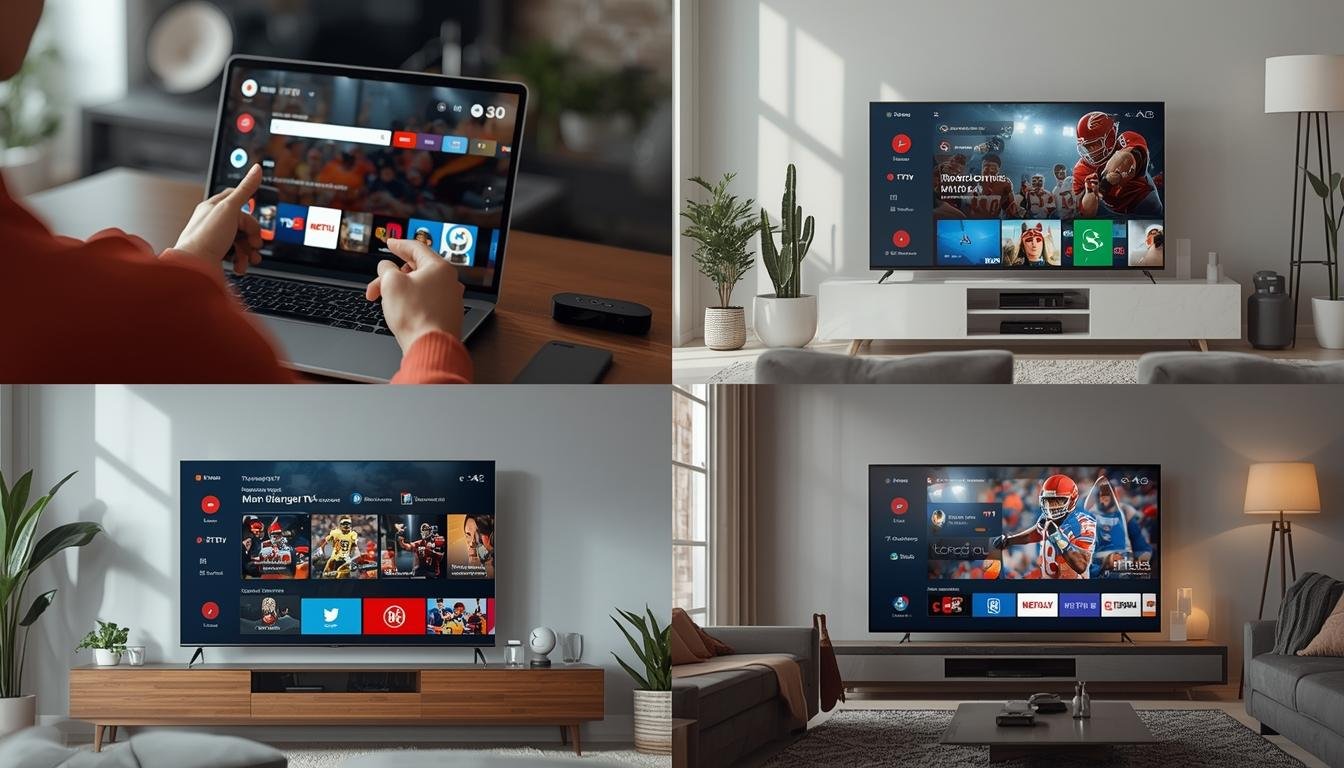
Method 1: Using Screen Mirroring
1. Enable Screen Mirroring on Roku
– Navigate to Settings > System > Screen Mirroring
– Select “Screen mirroring mode” and choose “Prompt” or “Always allow”
2. Install a Compatible App on Your Mobile Device
– For Android: Install “Web Video Caster” from Google Play Store
– For iOS: Install “AirScreen” or “Mirror for Roku” from App Store
3. Connect Your IPTV Service
– Open the installed app on your mobile device
– Add your iptv for roku 2026 M3U playlist URL or upload the M3U file
– Select the channel you wish to watch
– Choose your Roku device as the casting destination
4. Start Streaming
– The content should now appear on your TV through your Roku device
– Use your mobile device as a remote control to navigate channels
Method 2: Using The Roku Media Player
1. Create a Properly Formatted M3U Playlist
– Convert your IPTV playlist to a Roku-compatible format
– Ensure all stream URLs are accessible
2. Upload Your Playlist to a Cloud Service
– Use Google Drive, Dropbox, or a personal web server
– Make sure the file is publicly accessible
3. Access the Playlist via Roku Media Player
– Install Roku Media Player from the Roku Channel Store
– Navigate to “Browse” > “USB Storage” (despite using network)
– Enter the direct URL to your M3U playlist
– The channels should now appear in a browsable list
For users seeking the best iptv service for roku 2026, integrating with methods that provide EPG (Electronic Program Guide) functionality will enhance your viewing experience significantly.
Benefits & Advantages
Implementing IPTV on your Roku device offers numerous advantages over traditional television services:
– Extensive Content Library: Access to thousands of channels from around the world, including region-specific programming not available through standard services
– Cost Efficiency: Significant savings compared to cable or satellite subscriptions, often at 70-80% less cost
– On-Demand Flexibility: Watch content on your schedule with VOD (Video On Demand) features
– Multi-Device Compatibility: Use the same IPTV subscription across various devices in your household
– High-Definition Streaming: Many IPTV services now offer 4K and HDR content options
– Sports Coverage: Access to international sports events that may not be broadcast locally
– No Contract Commitments: Most IPTV services operate on monthly subscriptions without long-term contracts
– Customizable Channel Lists: Create personalized channel groups based on your viewing preferences
These benefits make IPTV an attractive alternative to traditional cable subscriptions, especially for international content enthusiasts and sports fans.
Tips, Alternative Methods, or Optimization Advice
To optimize your IPTV experience on Roku in 2026:
– Use Wired Connection: When possible, connect your Roku via Ethernet rather than Wi-Fi for more stable streaming
– Implement a VPN: Consider using a VPN service compatible with your router to enhance privacy and bypass geographical restrictions
– Buffer Management: Adjust buffer settings in your IPTV application if available to reduce stream interruptions
– Regular Updates: Keep both your Roku firmware and IPTV apps updated to the latest versions
– Alternative Approach – Roku Channels: Some IPTV providers offer private Roku channels that can be added using channel codes
– Consider a Streaming Box: For maximum flexibility, consider using an Android-based streaming device alongside your Roku for IPTV
– EPG Integration: Look for IPTV services that provide electronic program guide data for a more traditional TV experience
– Backup Service: Maintain a backup IPTV service for important events to ensure uninterrupted viewing
These optimizations will help ensure smooth playback and maximize the potential of your IPTV setup.
Common Mistakes to Avoid
Even experienced users can encounter issues when setting up IPTV on Roku. Here are common pitfalls and their solutions:
1. Using Incompatible Playlists
– Problem: Not all M3U playlists are formatted correctly for Roku
– Solution: Request a Roku-specific playlist from your provider or use playlist converter tools
2. Relying on Unstable Internet Connections
– Problem: Buffering and stream interruptions
– Solution: Use wired connections, upgrade your internet package, or optimize your home network
3. Ignoring VPN Requirements
– Problem: Content blocking or legal complications
– Solution: Implement a router-level VPN solution compatible with streaming
4. Choosing Unreliable IPTV Services
– Problem: Service outages and poor customer support
– Solution: Research provider reliability, check user reviews, and test with short-term subscriptions first
5. Missing Regular Updates
– Problem: Compatibility issues and security vulnerabilities
– Solution: Set automatic updates for both Roku OS and applications
6. Overloading Network Bandwidth
– Problem: Multiple streams causing network congestion
– Solution: Implement QoS (Quality of Service) on your router to prioritize streaming traffic
Addressing these common issues proactively will significantly improve your IPTV experience on Roku.
Maintenance & Ongoing Care
To maintain optimal performance of your IPTV on Roku:
1. Regular Cache Clearing
– Navigate to Roku Settings > System > Advanced system settings > Factory reset > Network connection reset
– Perform this monthly to clear accumulated cache
2. Update Management
– Set your Roku to automatically check for system updates
– Manually check for app updates weekly
3. Playlist Maintenance
– Regularly update your M3U playlists (every 1-2 weeks)
– Remove defunct channels to optimize performance
4. Network Monitoring
– Use network analysis tools to identify bandwidth issues
– Consider dedicated streaming bandwidth through QoS settings
5. Security Considerations
– Regularly update router firmware
– Use secure passwords for all streaming accounts
– Consider changing IPTV service passwords quarterly
6. Subscription Management
– Keep track of renewal dates to avoid service interruptions
– Test alternative providers occasionally to ensure you’re getting the best service
These maintenance practices will extend the longevity of your setup and ensure consistent performance.
Conclusion
Setting up iptv for roku 2026 opens up a world of content possibilities beyond what traditional streaming services offer. While Roku doesn’t natively support IPTV applications, the workarounds detailed in this guide provide effective solutions for accessing global content through your device. By following these step-by-step instructions and implementation tips, you can create a powerful streaming setup that delivers thousands of channels directly to your television.
Remember that finding the best iptv service for roku 2026 requires some research and possibly trial periods with different providers. The landscape continues to evolve, with new services and methods emerging regularly. Stay informed about updates to both Roku OS and IPTV technologies to maintain optimal performance and content access.
FAQs
Is IPTV legal to use on Roku devices?
IPTV technology itself is legal, but the legality depends on the content being streamed. Licensed IPTV services that have proper distribution rights for their content are completely legal. However, services offering premium channels without proper licensing may violate copyright laws. Always research providers to ensure they operate within legal frameworks in your region.
Why doesn’t Roku have official IPTV apps in the Channel Store?
Roku maintains strict content policies and typically only approves official, licensed streaming services for their Channel Store. IPTV services often operate in a regulatory gray area or lack the formal partnerships required for official Roku app approval. This is why most IPTV solutions for Roku rely on workarounds like screen mirroring or media player applications.
How much bandwidth do I need for reliable IPTV streaming on Roku?
For standard definition channels, a minimum of 5-10 Mbps is recommended. For HD content, 15-25 Mbps provides a more reliable experience. For 4K streams, at least 30-50 Mbps is necessary. Remember that these requirements increase when multiple devices are streaming simultaneously on your network.
Can I use a free IPTV service with my Roku device?
Free IPTV services exist but typically offer limited channel selection, lower reliability, and potential security risks. While they can be used with the methods described in this guide, paid subscription services generally provide better stream quality, more consistent uptime, and stronger customer support.
How do I troubleshoot buffering issues with IPTV on Roku?
Buffering typically stems from network limitations or service provider issues. Start by testing your internet speed using your Roku’s network testing feature. Consider using a wired Ethernet connection instead of Wi-Fi, reduce the number of devices sharing your network, restart your router, or adjust video quality settings in your IPTV application. If problems persist, contact your IPTV service provider as the issue may be on their end.