People searching for ESPN IPTV usually want to know whether ESPN channels can be watched through an IPTV app. The honest answer has two parts: what ESPN offers directly, and what IPTV services list. Knowing both helps you choose and avoid trouble.
Disclosure: WatchingStream is published by the same team that runs Velora4K, Mom IPTV and RobotIPTV. We apply the same criteria to each one and take the details from their own pages. Check prices and terms on each site before you buy.

What ESPN IPTV means
It can mean three things: ESPN channels inside a live TV bundle, ESPN’s own streaming plans, or ESPN channels listed by a subscription IPTV service. Each has different rights, prices and support.
ESPN and ESPN+
ESPN is the main network, with live events and shows. ESPN+ is a separate streaming service with extra events and on-demand content. ESPN has also introduced direct-to-consumer plans, so check ESPN’s watch page and ESPN+ for the current options and prices.
ESPN outside the United States
ESPN reaches other countries through local partners and separate services. Check your local ESPN pages and broadcasters before you pay for anything.
Can you watch ESPN through IPTV?
Some subscription IPTV services list ESPN channels. Whether that is licensed depends on the provider. Licensed bundles that include ESPN are on the legal providers list.
What to check before choosing a service for ESPN
- Does it list the specific ESPN channels?
- Is there a trial to test live games?
- What is the refund window?
- Who runs the service?

Velora4K and Mom IPTV list 24-hour trials, and RobotIPTV lists plans on its pricing page. RobotIPTV’s ESPN guide has more.
Devices and setup
Use a Fire TV stick, Android TV box or smart TV with a good player. See the setup guide for each step.
Common problems
- Buffering: use a cable and test at a quiet hour.
- Wrong time zone in the guide: set the device time to automatic.
- Channel missing: refresh the playlist.
About ESPN playlists
Be careful with free ESPN playlists on forums. They are often out of date and may lead to unlicensed or unsafe sources.
Is it legal?
ESPN content is licensed. A service must hold the rights to sell it. If in doubt, use an official option.
Pros and cons
- Pros: one app for many channels, flexible plans.
- Cons: rights vary, delay behind live, and quality depends on the service.
Frequently asked questions
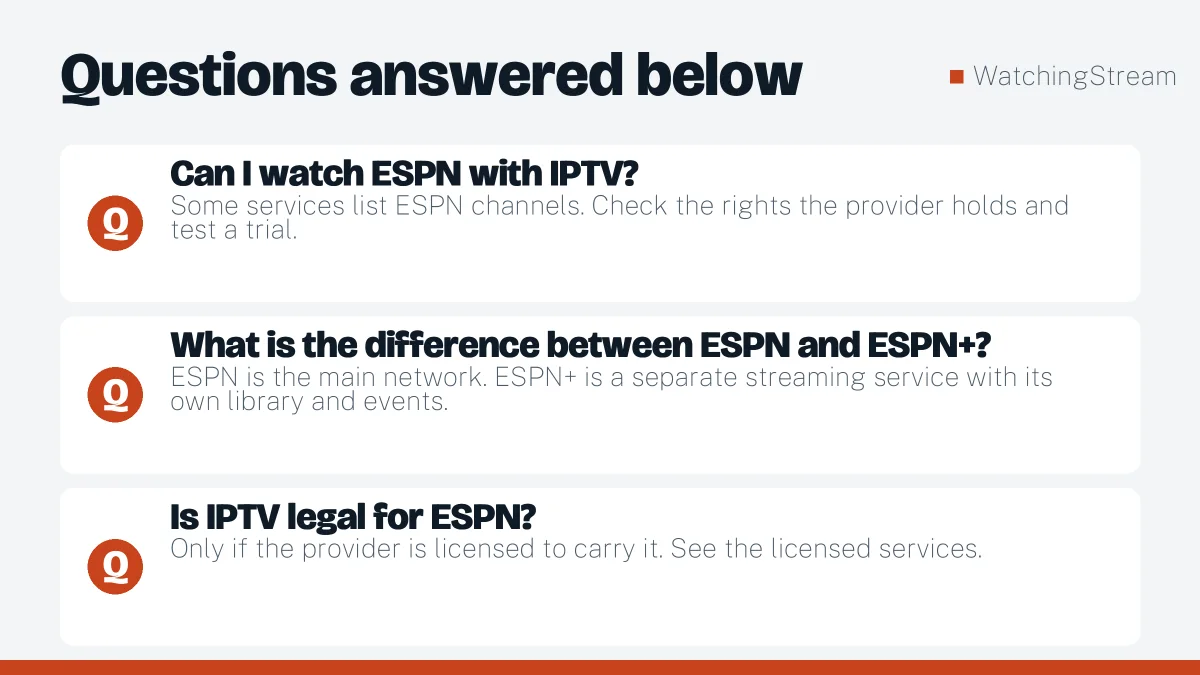
Can I watch ESPN with IPTV?
Some services list ESPN channels. Check the rights the provider holds and test a trial. Official ESPN access is also available through licensed bundles.
What is the difference between ESPN and ESPN+?
ESPN is the main network. ESPN+ is a separate streaming service with its own library and events. A service that lists one does not necessarily include the other.
Is IPTV legal for ESPN?
Only if the provider is licensed to carry it. See the licensed services.
What speed do I need?
8 to 10 Mbps for HD per stream.