This page is for adults. Many IPTV services include adult categories, and many households need to hide them. It explains how those categories work in apps, how to lock them away from children, how to protect your privacy and which warning signs to watch for.
Disclosure: WatchingStream is published by the same team that runs Velora4K, Mom IPTV and RobotIPTV. We apply the same criteria to each one and take the details from their own pages. Check prices and terms on each site before you buy.

How adult categories work
Providers group channels into categories. Adult channels sit in their own group. The app shows them in the channel list like any other category, unless you hide or lock them.
Is adult content legal?
It is legal for adults in many countries, with age limits and rules that vary. Check your local law. The provider must also hold rights to what it sells.
What to look for in a provider
- Adult categories you can switch off.
- Clear age rules in the terms.
- A privacy policy that explains how your data is used.
- Billing descriptors that you are comfortable with.
How to lock adult channels with a PIN
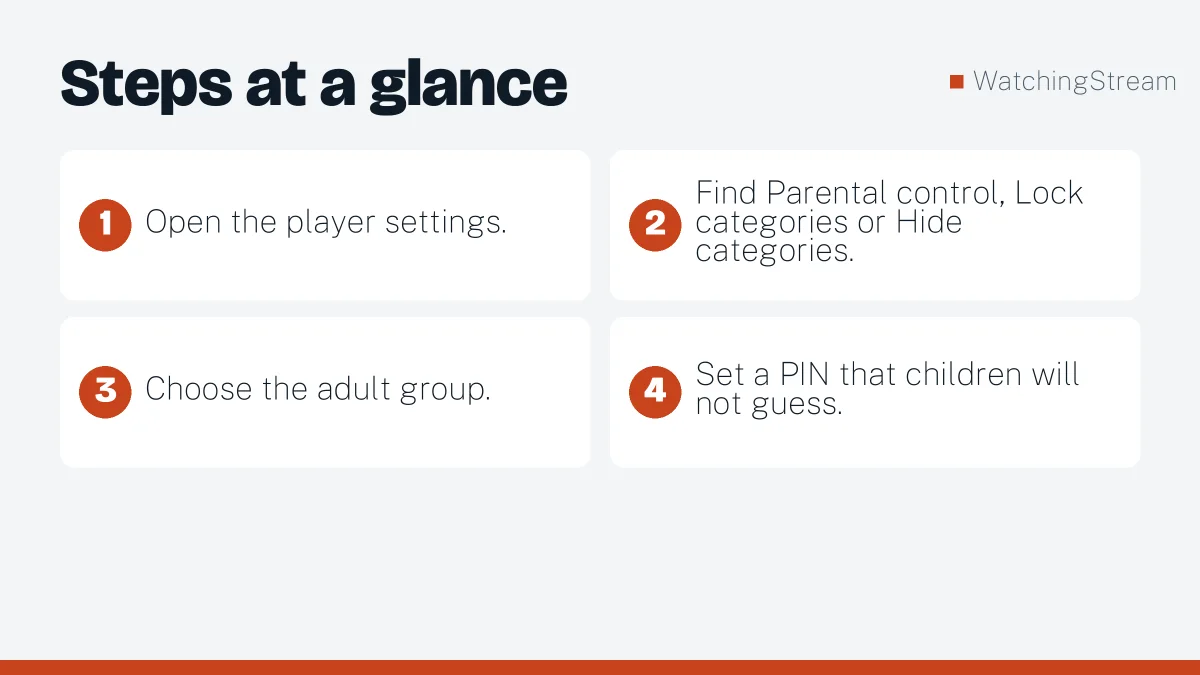
- Open the player settings.
- Find Parental control, Lock categories or Hide categories.
- Choose the adult group.
- Set a PIN that children will not guess.
IPTV Smarters Pro, TiviMate and most store apps have this option. On smart TVs, look in the app’s settings. See the Firestick app comparison.
Privacy tips
- Use a strong, unique password for the service.
- Keep your login private.
- Pay with a method you control.
- Consider whether a VPN suits your needs, noting that some servers block them.
Devices
The controls work on Fire TV, Android, smart TVs and phones, but menus differ. Follow the setup guide for each device.
Red flags
- No age rules or terms.
- Requests for unusual payment methods.
- Pressure to share personal documents.
- Links to unknown downloads.
How services present it
Mom IPTV, Velora4K and RobotIPTV sell large channel lists. Ask each whether adult categories are included and whether you can disable them. Use the provider checklist and licensed options for comparison. Mom IPTV also wrote its own adult IPTV guide.
Frequently asked questions
How do I hide adult channels on IPTV?
Use the app parental control or hide categories setting and set a PIN. Hidden categories stay out of the menu until you unlock them.
Can children open adult channels by mistake?
Only if the category is not locked. Set a PIN and review it regularly.
Is adult IPTV legal?
It depends on your country and on the provider rights.
Which apps have parental control?
Most major players do. See the player guide.