4K is easy to advertise and hard to deliver. A service can list thousands of channels with a 4K label and still show most of them in HD. This guide shows what to check, and how three subscription services describe their own 4K offer.
Disclosure: WatchingStream is published by the same team that runs Velora4K, Mom IPTV and RobotIPTV. We apply the same criteria to each one and take the details from their own pages. Check prices and terms on each site before you buy.
What real 4K means
True 4K is a picture of 3840 by 2160 pixels. Many channels labelled 4K are upscaled from HD, and only some events and on-demand titles are produced in native 4K. Test with titles you know to be 4K.

What to look for in a 4K service
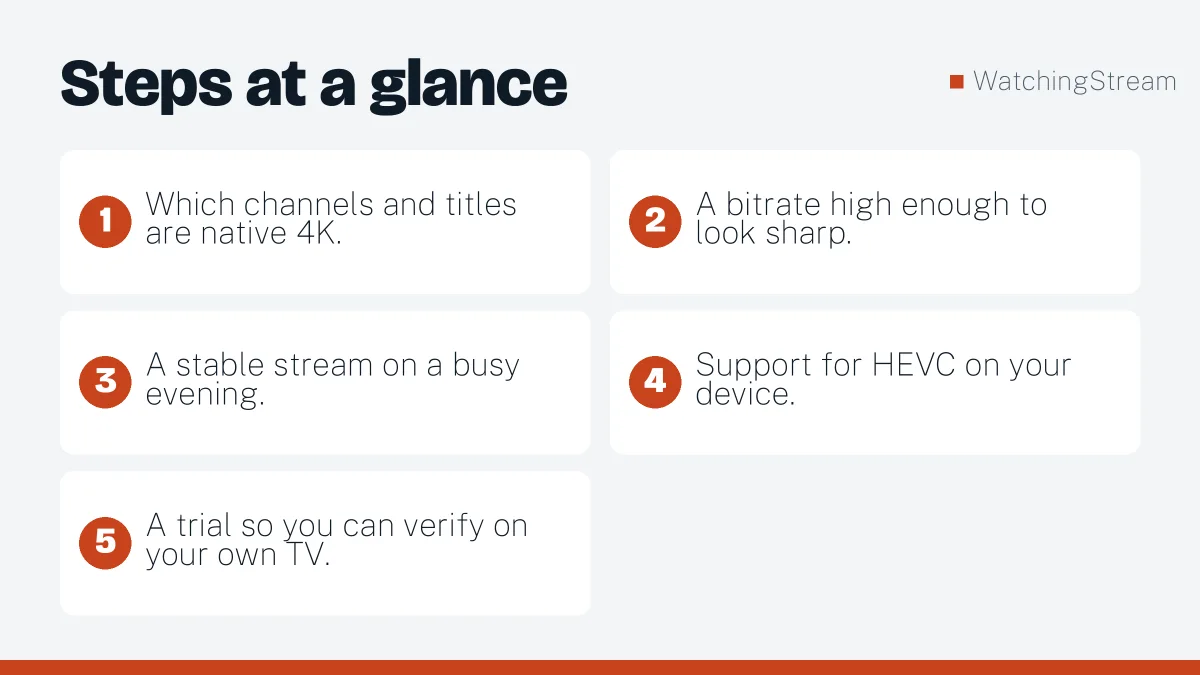
- Which channels and titles are native 4K.
- A bitrate high enough to look sharp.
- A stable stream on a busy evening.
- Support for HEVC on your device.
- A trial so you can verify on your own TV.
Three services compared
| Velora4K | Mom IPTV | RobotIPTV | |
|---|---|---|---|
| Quality listed | HD, FHD, UHD and 4K | HD, FHD and 4K | 4K and HD |
| Live channels | 25,000+ | 18,000+ | 25,000+ |
| Library | 150,000+ | 121,000+ | 150,000+ |
| Entry price | 3 months from $29.99 | 1 month from $14 | 3 months from $29.99 |
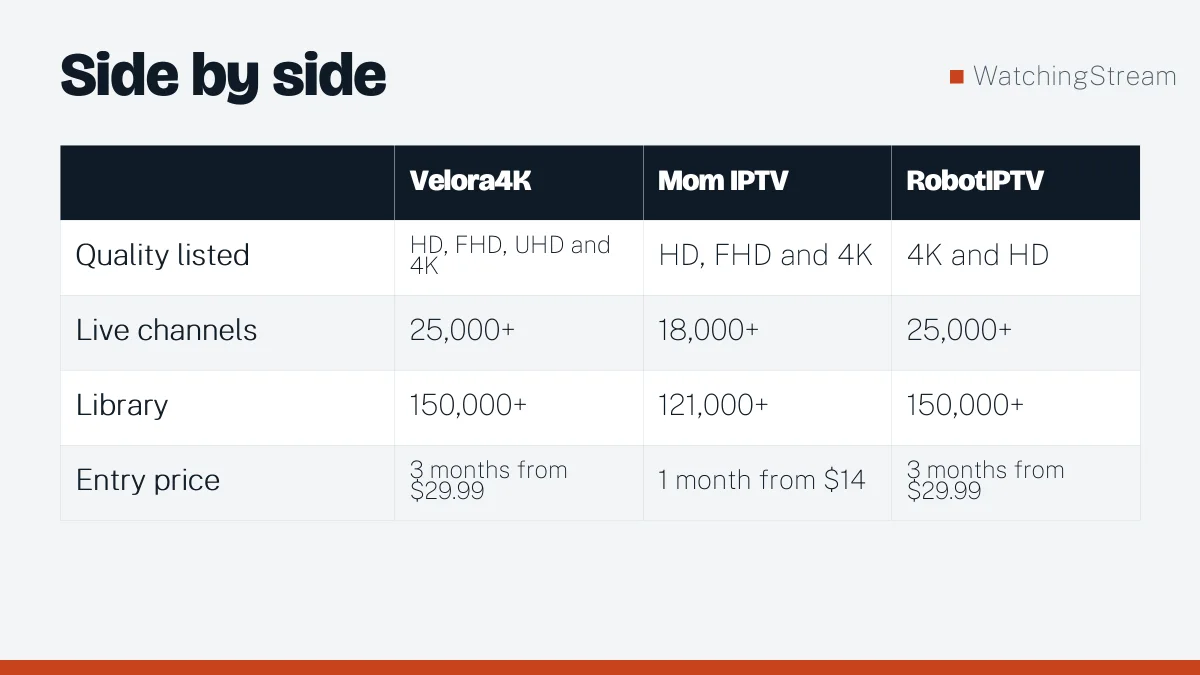
The numbers come from each provider’s pages in October 2026. Read the current terms on Velora4K, Mom IPTV or RobotIPTV, then use a trial to check actual picture quality. RobotIPTV’s own 4K comparison adds more detail.
Licensed options for 4K
Some licensed services offer 4K on selected channels or as an add-on, for example the larger live TV bundles. Check the details of each before you subscribe. The legal providers guide has the list.
How much internet speed do you need?
Plan for 25 Mbps or more per 4K stream. With other devices in use, a 50 Mbps line or higher is more comfortable. A cable to the TV helps. See the router guide.
Devices
Use a device that decodes HEVC. Recent Fire TV sticks, Android TV boxes, Apple TV 4K and most 2018 and later smart TVs do. Older devices may stutter in 4K.
4K or HD?
If your TV is smaller than 50 inches or your connection is average, HD often looks nearly as good and buffers less. Read the future of IPTV for where this is heading.

Frequently asked questions
Is 4K live IPTV real?
Some live 4K exists, mostly for sport and special events. Many channels are upscaled from HD. Do not expect all channels in native 4K.
What speed do I need?
At least 25 Mbps per 4K stream, more with several screens. A cable helps. See the router guide.
Does my TV need to support HEVC?
Yes, for efficient 4K streaming. Most recent TVs and sticks do. Check the device spec.
How do I test 4K quality?
Play a known 4K stream in a trial and look at motion scenes. Compare with HD.