A Firestick is a small device with big demands: a service must offer a login your player understands, a list the stick can handle and streams that hold up on Wi-Fi. This guide shows what to check and how three subscription services describe themselves.
Disclosure: WatchingStream is published by the same team that runs Velora4K, Mom IPTV and RobotIPTV. We apply the same criteria to each one and take the details from their own pages. Check prices and terms on each site before you buy.
What you need to use IPTV on a Firestick
- A Fire TV stick or cube with updated software.
- A player app. See the app comparison.
- A login from a service, ideally Xtream Codes or M3U.
- A connection with 8 to 10 Mbps for each HD stream.
How we compare
We look at the login formats, library size, price per month, trial and refund terms, and player support. We take the facts from each provider’s pages in October 2026.
Three options
| Velora4K | Mom IPTV | RobotIPTV | |
|---|---|---|---|
| Firestick support | Listed | Listed | Listed |
| Player | Free IBO Player Pro licence listed | Works with standard players | Works with standard players |
| Channels | 25,000+ | 18,000+ | 25,000+ |
| Entry plan | 3 months, $29.99 | 1 month, $14 | 3 months, $29.99 |
| Money back | 7 days | Up to 45 days | 7 days |
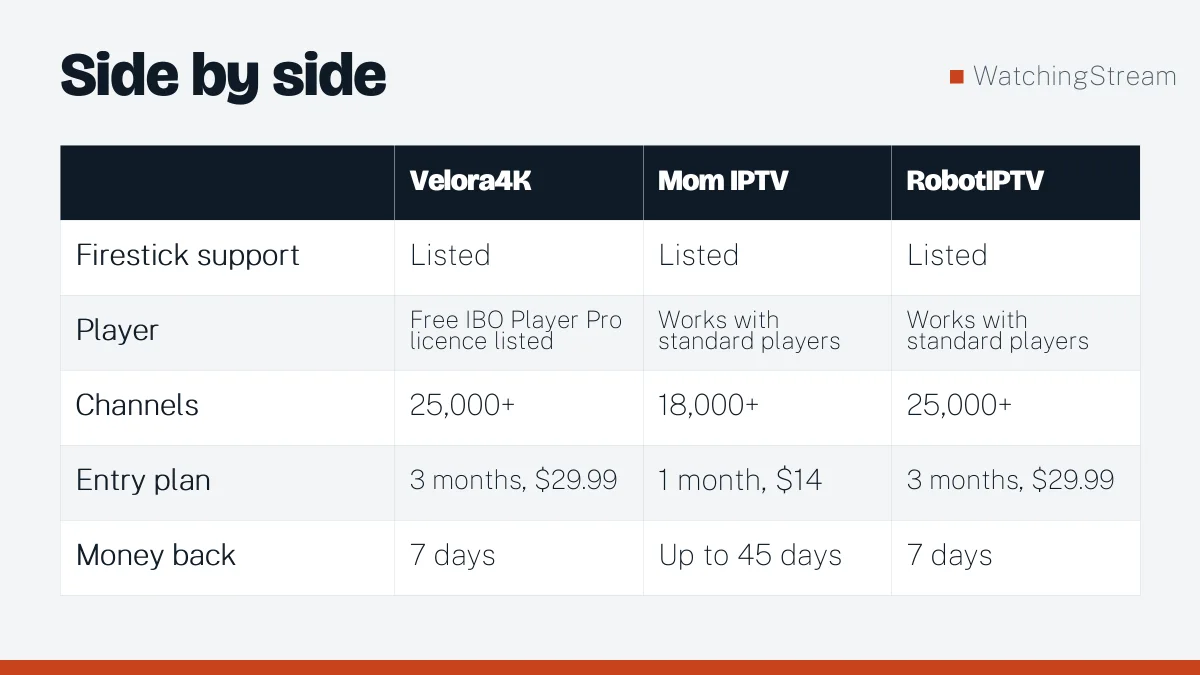
Read the current offer on Velora4K, Mom IPTV and RobotIPTV. RobotIPTV also wrote its own Firestick comparison.
Licensed alternatives
Some licensed services have Fire TV apps too, including large live TV bundles, sports packages and ad-supported streaming. They cost differently and carry fewer channels. See the legal providers guide.
How to choose
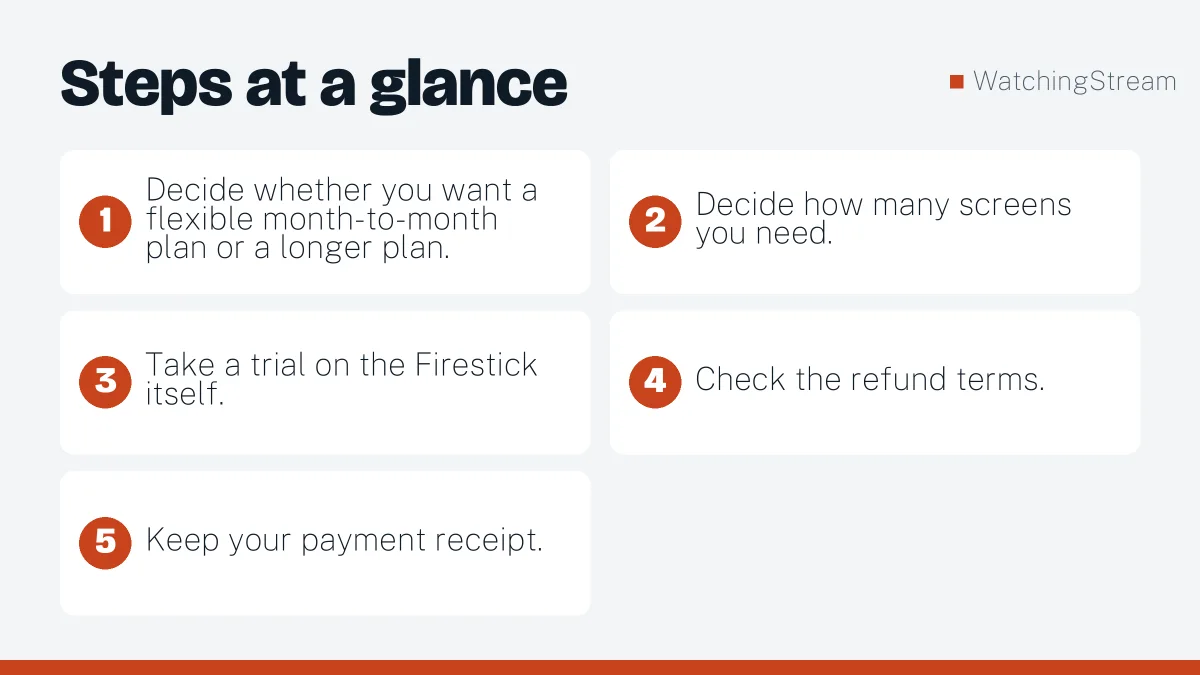
- Decide whether you want a flexible month-to-month plan or a longer plan.
- Decide how many screens you need.
- Take a trial on the Firestick itself.
- Check the refund terms.
- Keep your payment receipt.
Is IPTV legal in the USA?
IPTV is a technology and legal. The legality of a service depends on its rights. In the USA, the FCC and rights holders watch this area. If you want certainty, choose a licensed service.
Pros and cons
- Pros: large lists, cheaper per month, one login for many screens.
- Cons: depends on your connection, quality varies, and licensing differs by provider.
Installing on the stick
The install steps for Smarters are in the Firestick guide, and fixes are in the problems guide.
Frequently asked questions
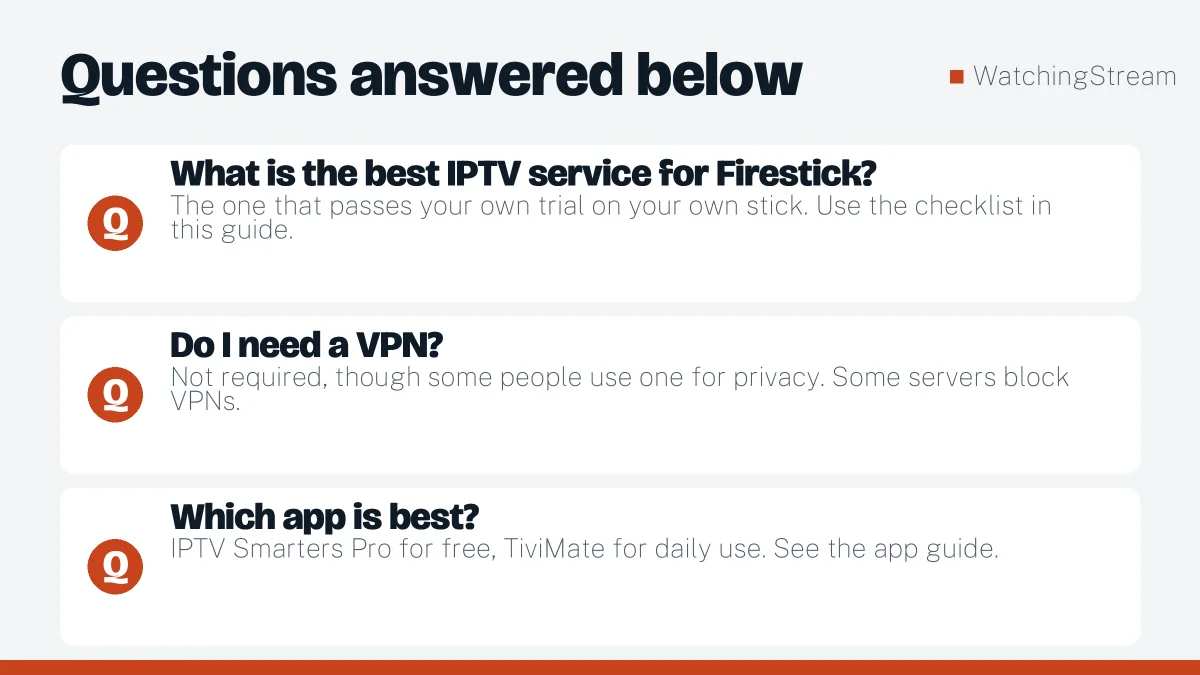
What is the best IPTV service for Firestick?
The one that passes your own trial on your own stick. Use the checklist in this guide.
Do I need a VPN?
Not required, though some people use one for privacy. Some servers block VPNs.
Which app is best?
IPTV Smarters Pro for free, TiviMate for daily use. See the app guide.
Which Firestick should I buy?
A recent model with 4K support runs apps faster and handles large lists better.