Whether you live in Istanbul or Berlin, the goal is the same: Turkish news, series and sport that play smoothly on your TV. Families abroad often miss their home channels most. This guide covers what to check and how three subscription services describe their offers.
Disclosure: WatchingStream is published by the same team that runs Velora4K, Mom IPTV and RobotIPTV. We apply the same criteria to each one and take the details from their own pages. Check prices and terms on each site before you buy.
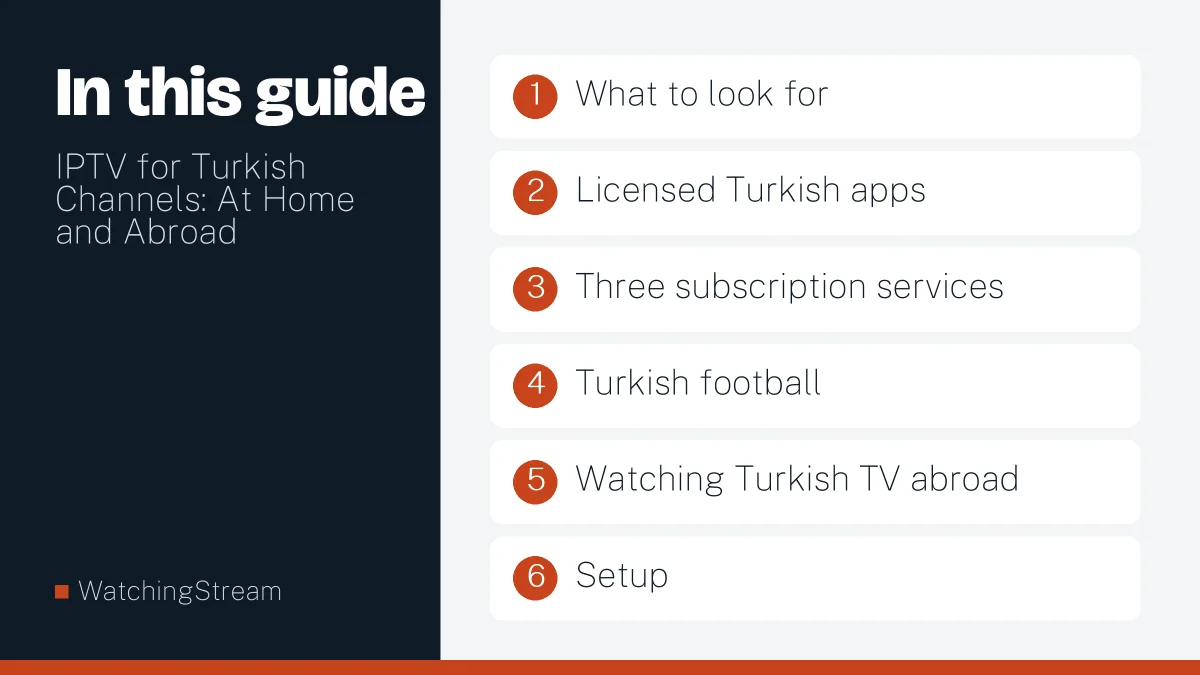
What to look for
- The Turkish channels and series you actually watch.
- Audio and subtitles in the language you need.
- Stable streams in the evening.
- Apps for your TV or stick.
- A trial and a clear refund policy.
Licensed Turkish apps
Turkish broadcasters publish official apps, such as tabii from the public broadcaster. Many hold rights for viewers in Turkey and some abroad. Compare them with any IPTV subscription for the shows you follow. The legal providers guide explains how to recognise licensed services.
Three subscription services
| Velora4K | Mom IPTV | RobotIPTV | |
|---|---|---|---|
| Channel count listed | 25,000+ | 18,000+ across 98+ countries | 25,000+ |
| Languages | Several regions | English, French, Arabic, Spanish, German, Italian, Portuguese, Turkish and more | Several regions |
| Entry plan | 3 months, $29.99 | 1 month, $14 | 3 months, $29.99 |

Mom IPTV lists Turkish among the languages on its services page. Always confirm the channels you need during a trial. See Mom IPTV, Velora4K and RobotIPTV, and read Mom IPTV’s Turkey guide.
Turkish football
League rights are sold to broadcasters in each country, so what you can watch depends on where you live. Check which broadcaster holds rights near you and compare it with what a subscription lists. The sports guide shows how to test live matches.
Watching Turkish TV abroad
Families in Germany, the Netherlands, the UK and the USA often want news, series and children’s shows. Test a trial at the hour you normally watch, and use a cable to the TV.
Setup
- Choose a player for your device.
- Enter the login.
- Open the Turkish group in the channel list.
- Add favourites for family members.

Follow the setup guide for each step.
Speed
Plan for 8 to 10 Mbps per HD stream. See the router guide if you share the connection.
Is it legal?
Rules differ by country and by the rights a provider holds. Ask for details and keep records.
Frequently asked questions
Can I watch Turkish TV abroad with IPTV?
Yes, if the service carries the channels you need. Test them in a trial, including the evening hours when dramas and news air. Check the guide and subtitles too.
Which device is best?
A recent Fire TV stick or Android TV box is a good all-round choice. See the Firestick app guide.
Are subtitles available?
It depends on the channel and the app. Many Turkish channels offer no subtitles on live streams, while some series on demand do. Check in the trial.
What speed do I need?
About 8 to 10 Mbps per HD stream. A cable to the TV removes most Wi-Fi trouble.