
Adding an M3U playlist is the same few steps in almost every player. This guide shows the general route, the exact steps for IPTV Smarters and what to do when the list does not load.
What you need first
- A player app installed on your device.
- An M3U link from your provider, or a file saved on the device.
- A connection that can carry the stream, about 8 to 10 Mbps for HD.
If you are not sure what an M3U link is, read the M3U playlist guide first.

The general steps
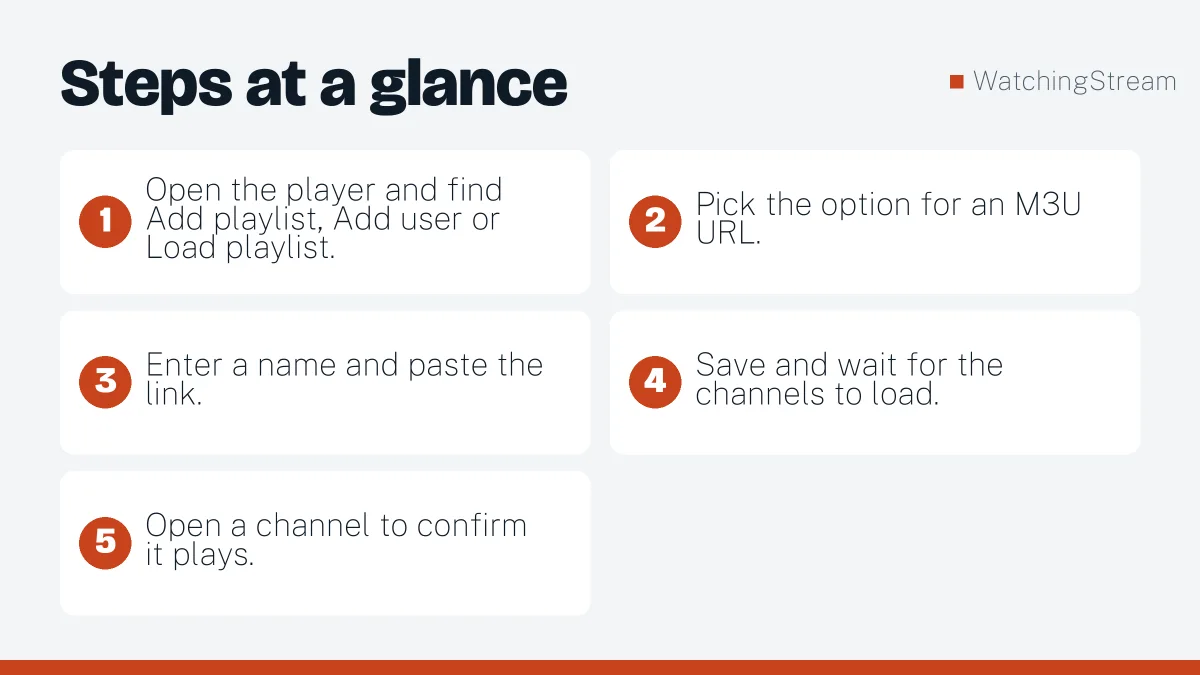
- Open the player and find Add playlist, Add user or Load playlist.
- Pick the option for an M3U URL.
- Enter a name and paste the link.
- Save and wait for the channels to load.
- Open a channel to confirm it plays.
IPTV Smarters and IPTV Smarters Pro
- Open the app and choose Load Your Playlist or File/URL.
- Select Playlist Type, then Full Playlist.
- Enter any playlist name and paste the M3U link.
- Tap Add User and wait for the list to load.
- Choose Live TV, Movies or Series from the home screen.
If you see an error at the login step, work through the authorization fixes.
Refreshing a playlist and the guide
Playlists change as channels move. Most apps have a refresh option in settings. After refreshing, reload the guide, because the guide data is stored separately. Set an automatic refresh if the app allows it.
Devices that support M3U
- Android phones, tablets and TV boxes.
- Fire TV sticks and cubes. See the Firestick app comparison.
- Windows, Mac and Linux through VLC.
- Some Samsung and LG TVs through store apps.
- Apple devices through App Store players.
Troubleshooting
| Problem | Fix |
|---|---|
| List will not load | Check for typos and spaces, then try the link in VLC |
| Black screen | Change decoder in player settings |
| Buffering | Use a cable, close other streams, raise the buffer |
| Missing guide | Enable the EPG source and refresh it |
Legal note
M3U is only a format. Make sure the content behind your list is licensed where you live. For free public channels, see our guide to finding channels.
Pros and cons
- Pros: simple, works in most players, easy to test.
- Cons: large lists can be slow, links can be shared by accident, and a bad link gives a poor result.
For a deeper look, RobotIPTV also publishes a longer M3U guide, and Mom IPTV offers both M3U and Xtream logins.

Frequently asked questions
Where do I paste the M3U link?
In the add playlist or add user screen of your player, in the field labelled URL or link. In IPTV Smarters you choose to load a playlist or file and URL, then give the list a name and paste the link. Make sure there is no space before or after it, because hidden spaces are a common reason for an empty list. If you are unsure what the link is, the M3U guide explains it.
Can I use one link on two devices?
Only if your plan allows more than one connection. Many services count every device that plays at the same time, so a second device can be refused if the plan only allows one. You can still install the link on several devices, but you will not be able to watch on all of them at once. Check your plan before you set up a whole house.
How often should I refresh my playlist?
Refresh it whenever channels disappear or the guide looks wrong, and consider a weekly habit if your app has no automatic option. Playlists change as channels move, and the guide data is stored separately, so refresh both. If the same channel is missing for several days, ask your provider whether it has been removed or renamed.
Why does an M3U link work in VLC but not in my player?
That usually means the source is fine and the player is the problem. Try clearing the player cache, updating it, or adding the list again with a fresh link. Some players struggle with very large lists or unusual characters in the link. If it works in VLC, you can keep using VLC for testing while you find a player that handles your list properly. The authorization guide covers login errors.