An IPTV playlist is simply the list of channels your player shows. Getting one is easy once you know the three common routes, and each route suits a different goal.
Disclosure: WatchingStream is published by the same team that runs Velora4K, Mom IPTV and RobotIPTV. We apply the same criteria to each one and take the details from their own pages. Check prices and terms on each site before you buy.

What an IPTV playlist is
A playlist is a list of streams, usually delivered as an M3U link. Your player reads it and shows the channels, grouped by category. Without a playlist or a login, a player is empty. The M3U guide explains the format in detail.
Playlist, URL and M3U: the words
- Playlist: the list itself.
- URL: the web address where the list is stored.
- M3U: the file format the list uses.
In practice people use all three words for the same thing.
Route 1: from a service you subscribe to
A provider gives you a playlist link or an Xtream login with your account. This is the route for a full channel list, support and a guide. Many providers allow a short test first. Mom IPTV and Velora4K each list a 24-hour trial on their sites, and RobotIPTV lists plans with a 7-day money-back guarantee. Read how to test a trial before you start.
Route 2: from a public open list
Some open projects maintain lists of publicly available channels such as news and public broadcasters. They are free, but channels come and go. See our guide to public channels.
Route 3: your own file
You can build a list from channels you are allowed to watch, using a text editor. Start the file with the standard header, then add one entry per stream.
How to add a playlist
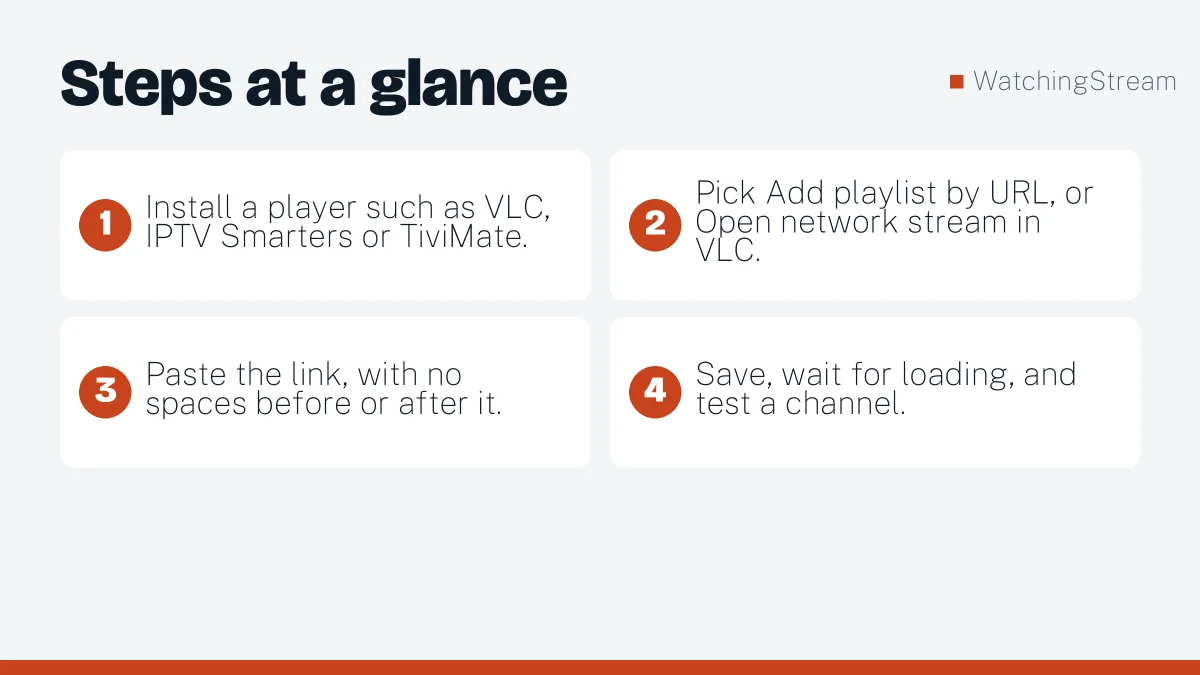
- Install a player such as VLC, IPTV Smarters or TiviMate.
- Pick Add playlist by URL, or Open network stream in VLC.
- Paste the link, with no spaces before or after it.
- Save, wait for loading, and test a channel.
On Kodi, add the PVR IPTV Simple Client and paste the link in its settings.
Why a playlist does not work
- The link is mistyped or has hidden spaces.
- The subscription expired or the link changed.
- Your connection is too slow for the channel.
- The player cannot handle a very large list.
- The source is blocked on your network, so test on a phone hotspot.
Pros and cons
- Pros: one link gives you everything, easy to update, works in most apps.
- Cons: links can leak, free lists are unreliable, and a bad source wastes time.
For first steps in a player, see the beginner’s setup guide, and for RobotIPTV’s own walkthrough, read how to get an IPTV playlist in 2026.
Frequently asked questions
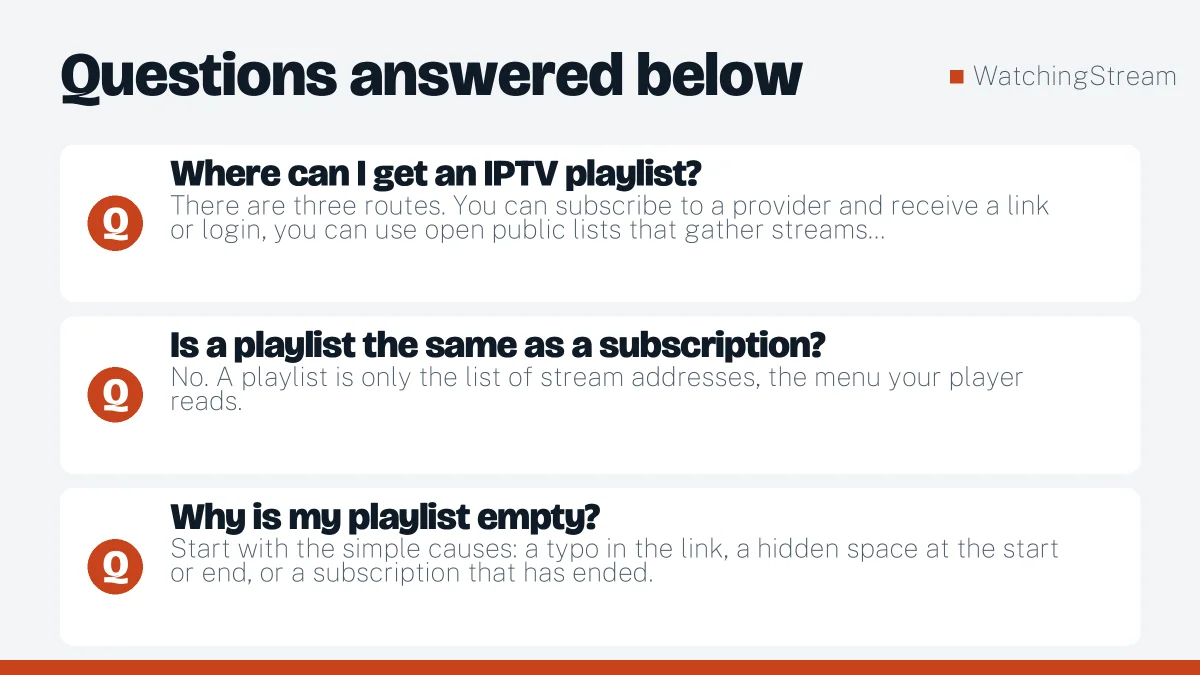
Where can I get an IPTV playlist?
There are three routes. You can subscribe to a provider and receive a link or login, you can use open public lists that gather streams broadcasters publish themselves, or you can build your own file by hand. The first gives you support and a large library, the second costs nothing but needs patience, and the third suits a small set of favourite channels. Pick the route that matches how much reliability you need. Our public channels guide covers the free route.
Is a playlist the same as a subscription?
No. A playlist is only the list of stream addresses, the menu your player reads. A subscription is the service behind it, the thing that actually delivers the video and keeps it running. You can hold a perfect playlist and see nothing if the service behind it has expired. Keeping the two ideas apart makes problems much easier to diagnose, because you know whether to look at the file or at the provider.
Why is my playlist empty?
Start with the simple causes: a typo in the link, a hidden space at the start or end, or a subscription that has ended. Then test the same link in VLC on a computer. If VLC shows channels, the source works and your player needs a cache clear or an update. If VLC shows nothing too, contact the provider. The M3U steps show where each field goes.
Can I combine several playlists?
Yes, most players let you add more than one list and switch between them, and a text editor can merge files if you want a single one. Combining is handy when you keep a paid list for live sport and a public list for news. Just remember that each list may count as a separate connection when you play, and that a very long merged list can load slowly on older devices.