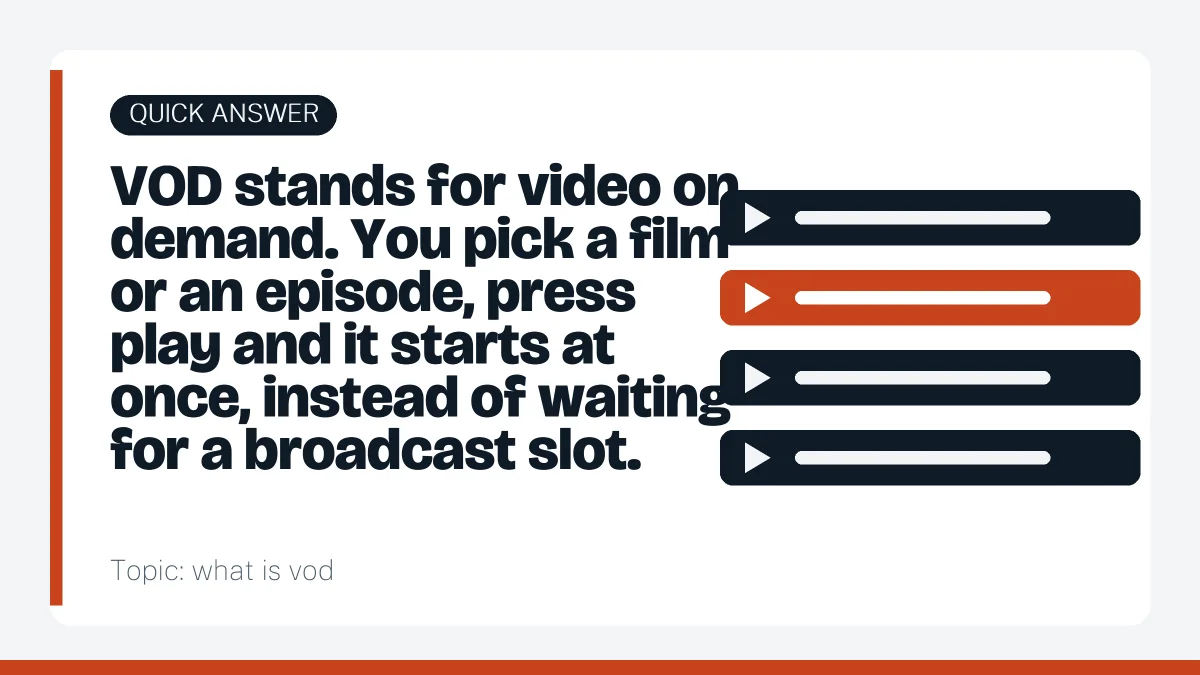
VOD stands for video on demand. You pick a film or an episode, press play and it starts at once, instead of waiting for a broadcast slot. If you have ever chosen a series in a streaming app and watched three episodes in a row, you have used VOD.
Disclosure: WatchingStream is published by the same team that runs Velora4K, Mom IPTV and RobotIPTV. We apply the same criteria to each one and take the details from their own pages. Check prices and terms on each site before you buy.
What VOD means
Video on demand is a delivery model. The video files sit on a server, and your device asks for the one you choose. You can pause, rewind and come back tomorrow, which is the opposite of live TV, where everyone watches the same moment together.
The idea is older than streaming apps. Hotel rooms and cable boxes sold pay-per-view films long before smartphones. What changed is that fast home internet lets the same thing run on a phone, a TV stick or a laptop.
The four types of VOD
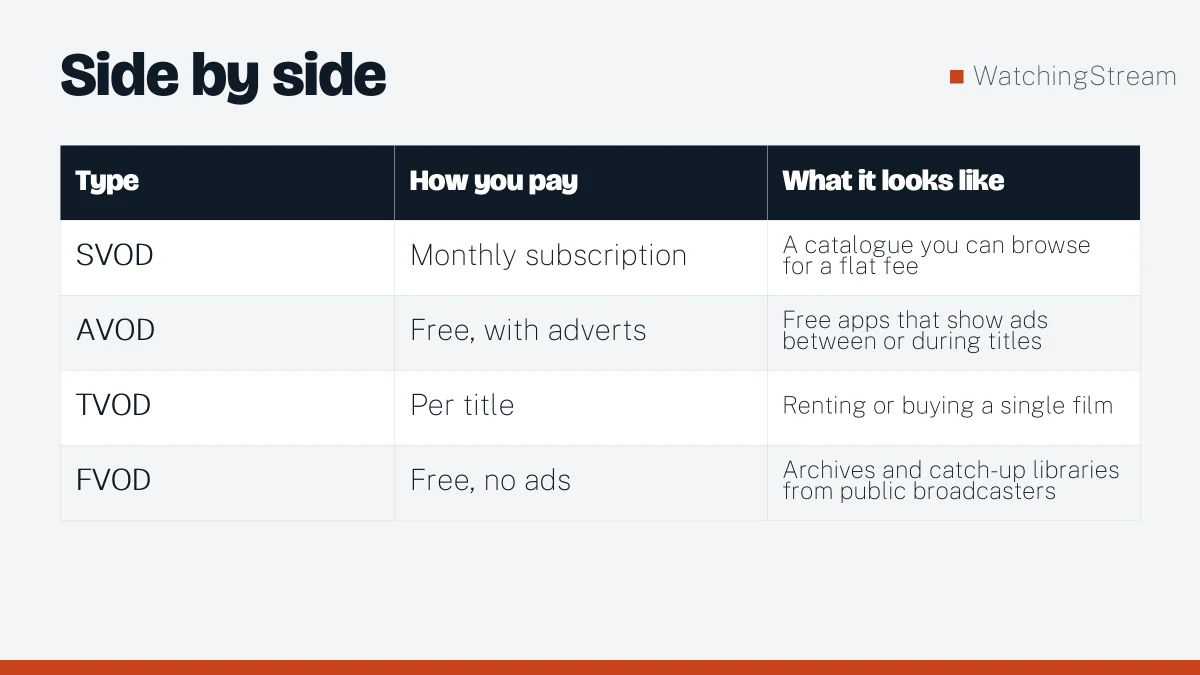
| Type | How you pay | What it looks like |
|---|---|---|
| SVOD | Monthly subscription | A catalogue you can browse for a flat fee |
| AVOD | Free, with adverts | Free apps that show ads between or during titles |
| TVOD | Per title | Renting or buying a single film |
| FVOD | Free, no ads | Archives and catch-up libraries from public broadcasters |
Many services mix models. One app can offer a subscription library, a few free titles with ads and new releases for rent.
How VOD works behind the screen
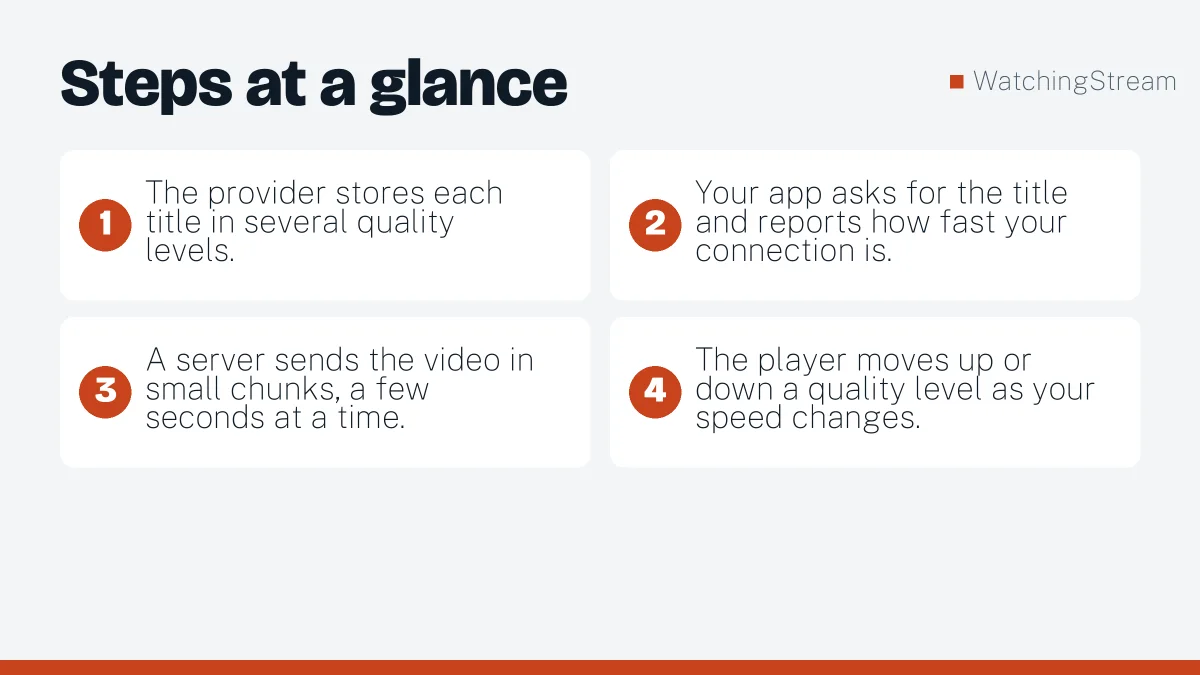
- The provider stores each title in several quality levels.
- Your app asks for the title and reports how fast your connection is.
- A server sends the video in small chunks, a few seconds at a time.
- The player moves up or down a quality level as your speed changes.
That last step is why a film can look sharp for a minute and then soften when someone else in the house starts a download.
VOD, live IPTV and OTT: how they differ
IPTV usually means television delivered over an IP network: live channels, often with a library next to them. VOD is that library. OTT, short for over the top, describes any video service sent over the open internet without a cable or satellite operator in the middle. A streaming catalogue is OTT and VOD. A live channel app is OTT and live. An IPTV service can be both at once.
For a closer look at the live side, read IPTV vs internet TV or start with what IPTV is.
Do IPTV services include VOD?
Many do, but not all. A typical IPTV subscription bundles live channels with a movies and series section, and the player shows it as separate tabs. With an Xtream Codes login most players load those tabs for you. A plain M3U playlist may list on-demand titles as one very long channel list, which is slower to browse. M3U vs MAC address logins explains the difference.
If the library matters to you, compare the published numbers: Mom IPTV lists 121,000+ movies and series, and Velora4K lists 150,000+. A bigger number does not guarantee better quality, so test with titles you actually watch. Our guide to using a free trial shows how.
How much data does VOD use?
These are rough figures. Real usage depends on the service and the video codec.
- Standard definition: about 1 GB per hour.
- HD: about 3 GB per hour.
- 4K: about 7 GB per hour.
If you have a data cap, lower the quality in the player settings or download titles over Wi-Fi.

Frequently asked questions
What does VOD stand for?
VOD stands for video on demand. It means you choose a film, an episode or a clip and it starts straight away, instead of waiting for a broadcast time. The benefit is control: you can pause, rewind, skip and finish a series at your own pace. It is the opposite of live TV, where everyone watches the same moment together.
Is Netflix VOD or IPTV?
A subscription catalogue like Netflix is video on demand delivered over the internet. IPTV is a wider term for television delivered over an IP network, and it usually includes live channels as well as a library. So the two overlap: both use the internet, but a catalogue app is mostly VOD, while an IPTV service is typically live TV plus VOD in one place. For the live side, read IPTV vs internet TV.
Does IPTV include VOD?
Often yes, but it depends on the provider, so check before you pay. A typical IPTV subscription bundles live channels with a movies and series section that shows up as separate tabs in the player. With an Xtream Codes login most apps load that library cleanly, while a plain M3U list can bury it in one very long list. The practical benefit of a bundle is that one login and one app cover live sport on Saturday and a film on Sunday night.
What is the difference between VOD and OTT?
VOD describes how you watch: on demand, when you choose. OTT, short for over the top, describes how the video travels: across the open internet without a cable or satellite operator in the middle. A service can be both at once, which is why the terms get mixed up. A streaming catalogue is VOD and OTT, a live channel app is OTT but not VOD, and an IPTV subscription with a library is usually all of them.
How much data does VOD use?
As a rough guide, standard definition uses about 1 GB per hour, HD about 3 GB and 4K about 7 GB. Real numbers depend on the service and the video codec, and players that adapt quality will use less when your connection slows. If you have a data cap, lower the quality in the player settings or start titles over Wi-Fi.